Systems › Process Execution · 1 of 4
Business Process Mapping
By RISE Business Framework · Created by Gary Harper and Brandon McCurdy · Reviewed
Business process mapping is a technique for visually mapping out a workflow, also called a flowchart or process map. RISE maps each step with who is responsible, how long it takes and the tools required. Each process is then scored on the 9-Box for how valuable and how essential it is, with a prescribed action.
How strong is your Systems quadrant? Take the free RISE Business Assessment
How RISE does it
- Legend: Start/End, Decision Box and Process Step.
- Break the process into parts, list every action and draw the flow chart.
- Review the map regularly.
- Score each process one to three on Valuable and on Essential.
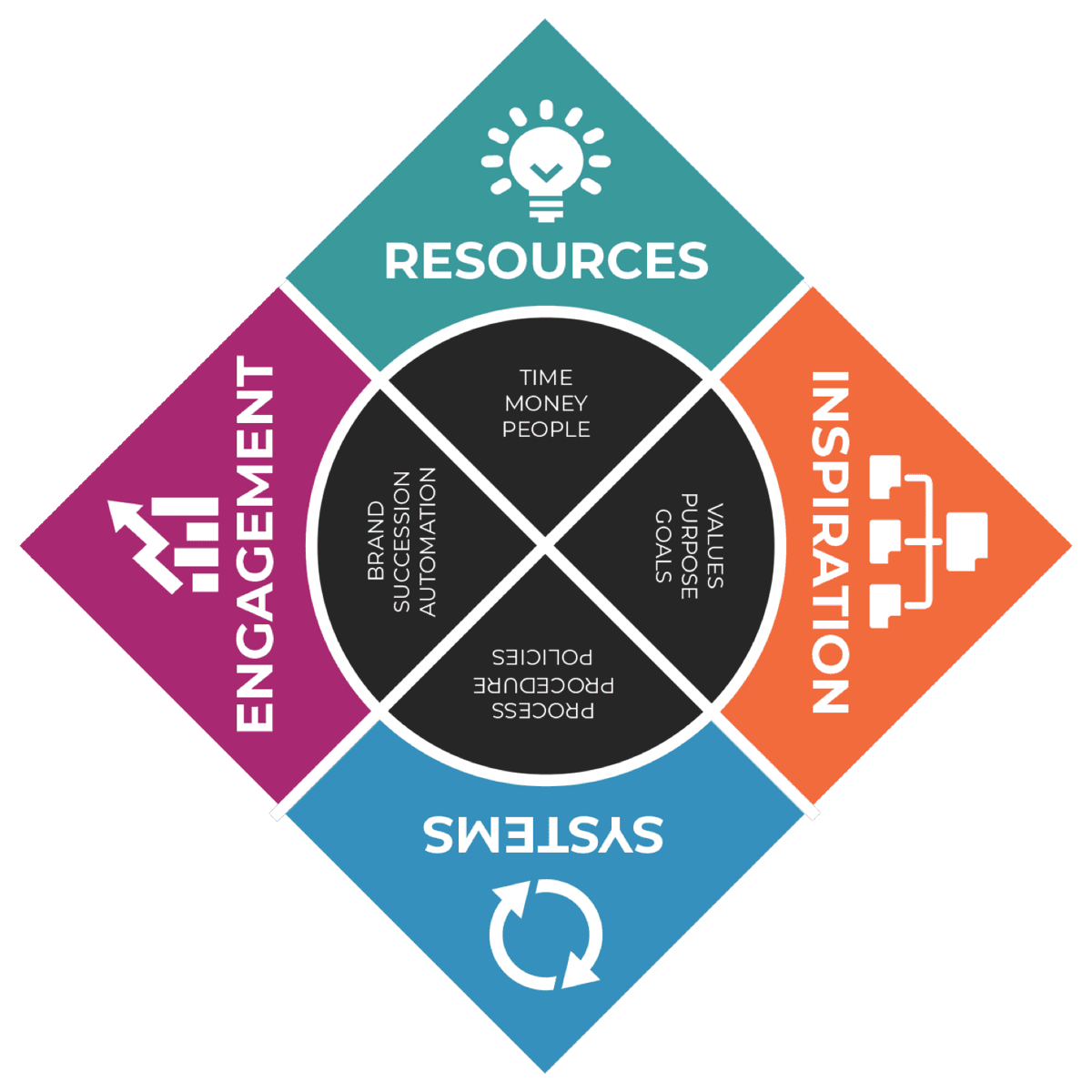
Business Process Mapping is one of four tools in Process Execution, part of the Systems quadrant of the RISE Business Framework.
The RISE tool · place yours
Place your processes on the 9-Box
Name a process, then rate it 1 to 3 on how Valuable and how Essential it is. Each one lands in a box with the action RISE prescribes. Your answers aren’t saved.
Rate both to see its box.
Rate both to see its box.
Rate both to see its box.
| Valuable \ Essential | One | Two | Three |
|---|---|---|---|
| Three | Lucky Breakmake repeatable | Highly Valuableinvest in it | Startup Candidatestart a new business |
| Two | Up or Out Valuerefine process | Core Processkeep doing | Highly Essentialinspire our team |
| One | Bad Processstop doing it | Up or Out Essentialrefine marketing | Operations Workhorsemaintain |
The RISE tool · map the process
Business process map builder
Name the process, list its five steps with an owner and a time, mark the decisions, and the builder writes the flow from START to END plus the SIPOC that goes around it. Copy it, download it, or hand it to the AI RISE Coach. Nothing is saved on this page.
The steps, in order
One action per step with its owner and time. Where the path splits, name the decision and where a no goes.
- 1
- 2
- 3
- 4
- 5
The SIPOC around it
0 of 5 steps named
Your process map
Next: score the process on the 9-Box above, then time each step on the Cycle Time worksheet. Not sure where your Systems quadrant stands? Take the free RISE Business Assessment.
How to map a business process, step by step
Process mapping turns how work actually gets done into a picture anyone can follow. RISE uses three symbols, a worked example and a 9-Box that tells you what to do with each process once it is mapped.
- 1
Pick one process and name its start and end
Choose a process that repeats, such as hiring, quoting or onboarding a customer. Write down the trigger that starts it and the result that ends it. In the RISE hiring example, it starts with a resume and ends with an offer letter or a rejection.
- 2
List every action in order
Break the process into its component parts. Ask the person who does the work, not just the manager. Most first maps miss the hand-offs between people.
- 3
Mark the decisions
Anywhere the path splits, add a decision box with a yes and a no. In the hiring example: Interview? and Offer? each send the applicant one of two ways.
- 4
Add the owner, time and tools
For each step, note who is responsible, how long it should take and any tools required. This is what turns a flowchart into something you can manage.
- 5
Draw the map
Use the three symbols from the RISE legend: Start/End, Decision Box and Process Step. Any whiteboard or diagram tool works. Keep it to one page.
- 6
Score it on the 9-Box
Rate the process 1 to 3 on how valuable it is and 1 to 3 on how essential it is. The cell it lands in tells you whether to keep doing it, invest in it, refine it or stop doing it.
- 7
Review the map regularly
Processes drift. Put each map on a review cycle and update it whenever the work changes.
Map the process on this page
Use the process map builder above. Name the process, list up to five steps with an owner and a time in days, mark each decision and where a no goes, and it writes the flow from START to END with the SIPOC around it. Copy it or download it as a spreadsheet, then score the process on the 9-Box.
Process mapping example: hiring
START with a resume. Review and score resumes. Decision: interview? If no, inform the applicant. If yes, schedule the interview, then interview and score. Decision: offer? If no, inform the applicant and END with a rejection. If yes, negotiate and END with an offer letter.
That is about a dozen shapes on one page, and it answers questions that usually live in one person's head: who scores resumes, what happens to people who are not interviewed, and when negotiation starts.
What the 9-Box tells you
A process that scores low on both valuable and essential is a Bad Process: stop doing it. One that is essential and valuable in the middle is a Core Process: keep doing it. Highly valuable processes are worth investing in, a valuable process you stumbled into is a Lucky Break to make repeatable, and a process that scores three on both may be a Startup Candidate, the seed of a new business.
After the map: procedures, policies and studies
A process map shows what happens. A Procedure Guide shows how one step is done. A Policy Timeline sets the rules and targets, and a Productivity Study measures how long the work really takes. Give each process a single owner on the Process Ownership Chart.
“Process mapping is the visual blueprint of your business operations. It reveals the intricate details of 'who does what,' 'when,' and 'how.' Without it, you're navigating in the dark.”Gary Harper
AI RISE Coach
Work through Business Process Mapping with the AI RISE Coach
“Walk me through Business Process Mapping in the RISE Business Framework and help me apply it to my business.”
Quick self-check
“We have documented processes, procedures and policies that are easily accessible to our team members.”
Frequently asked questions
What is process mapping?
Process mapping is a way to visually lay out a workflow step by step. Its purpose is to show how a process works in a concise, straightforward way.
What symbols are used in a process map?
The RISE legend uses three: Start/End, Decision Box and Process Step.
How do you decide which processes to stop doing?
Score each process on the RISE 9-Box. A process rated one on both Valuable and Essential is a Bad Process: stop doing it.
The other tools in Process Execution
- Procedure GuidesA ten-step written guide to completing a task so anyone, even a novice, can produce consistent, quality results.
- Policy TimelinesA simple framework that defines High, Medium and Low priority and sets a target timeline for each.
- Productivity StudiesA weekly time study that tracks units and hours for key activities to find bottlenecks and training needs.
Related in another quadrant: Talent Accountability