Systems · Topic 3 of 4
What is stoplight reports?
By RISE Business Framework · Created by Gary Harper and Brandon McCurdy · Reviewed
A stoplight report is a scorecard that shows key numbers against their targets at a glance. RISE uses four of them, one for each type of KPI: Key Purpose, Key Profit, Key Performance and Key Process Indicators. Each has an owner, a target and a reporting period, and each is reviewed in its own meeting.
Key takeaways
- RISE separates four kinds of KPI: Purpose, Profit, Performance and Process.
- Every row has an owner, an indicator and a target.
- Periods run quarterly, monthly, weekly and daily.
- Profit, Performance and Process reports close each block with an ADJUST row.
- Each report is reviewed in a matching meeting.
Stoplight Reports in the RISE Business Framework
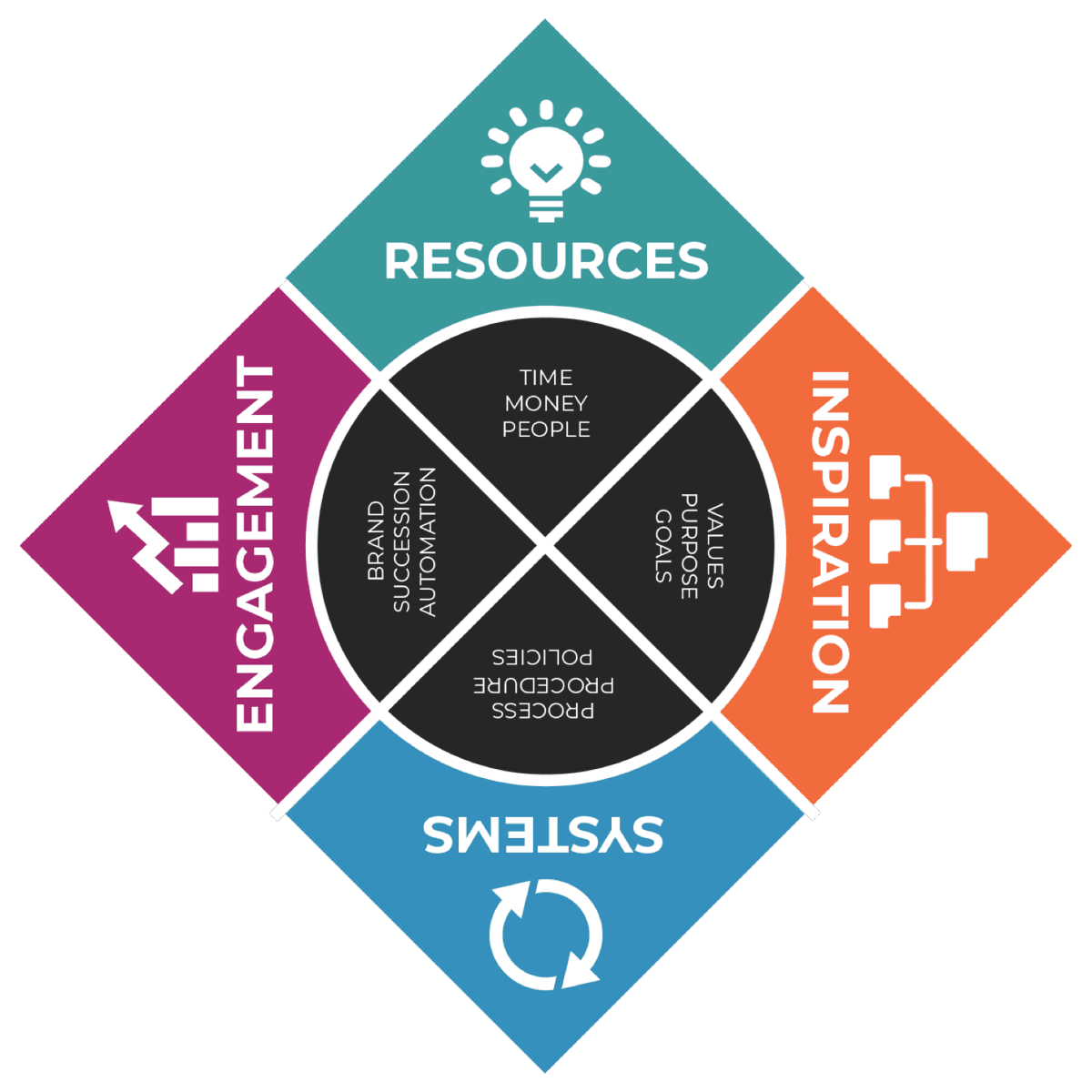
Stoplight Reports is the third topic in the Systems quadrant. It gives each team member key numbers to know and track daily, weekly and monthly.
All four reports share one layout: number, owner, indicator, target, then the reporting periods. What changes is what each one measures and how often.
Why stoplight reports matters
When all metrics are lumped together as KPIs, the team cannot tell mission measures from daily activity. Important numbers get lost among minor ones.
When no one owns a number, misses go unexplained. Without an ADJUST step, targets stay stale and stop guiding decisions.
“KPIs act as a company's pulse, signaling the health and areas of concern.”Gary Harper
The 4 tools of Stoplight Reports
1 of 4
Key Purpose Indicators
One clear measure that shows the business is accomplishing the purpose it was born to accomplish, reviewed quarterly.
2 of 4
Key Profit Indicators
Four monthly financial measures: Revenue, Profit Margin, Cash on Hand and Cash Conversion Cycle.
3 of 4
Key Performance Indicators
Weekly result measures by function, such as leads, appointments and transactions, tracked in 12-week quarters.
4 of 4
Key Process Indicators
Daily activity and defect measures for Marketing, Sales, Operations and Finance, many with a target of zero.
How to build stoplight reports with RISE
- 1
Set your Key Purpose Indicator
Turn your purpose statement into one clear measure. Review and adjust it quarterly.
- 2
Set your Key Profit Indicators
Track Revenue, Profit Margin, Cash on Hand and Cash Conversion Cycle monthly.
- 3
Set your Key Performance Indicators
Track weekly result measures by function, such as leads, appointments and transactions.
- 4
Set your Key Process Indicators
Track daily activity and defect measures for each department, many with a target of zero.
- 5
Assign owners and review
Give every row one owner. Review each report in its paired meeting and adjust targets when needed.
Quick self-check
“We have key numbers that each team member knows and tracks on a daily, weekly and monthly basis.”
AI RISE Coach
Build your Stoplight Report with the AI RISE Coach
“Help me build a stoplight report for my leadership team.”
Frequently asked questions
What is a stoplight report?
A stoplight report is a scorecard that shows each key number against its target so problems stand out quickly. RISE uses four, one for each type of KPI.
What are the four types of KPIs?
In RISE they are Key Purpose Indicators, Key Profit Indicators, Key Performance Indicators and Key Process Indicators.
How many KPIs should a business track?
Track only what each report needs. The RISE samples use one Purpose Indicator, four Profit Indicators and seven Performance Indicators.
Who should own a KPI?
One named owner per indicator. RISE samples assign owners such as the CFO, Marketing, Sales, Operations and Finance.
Related in RISE
- Business Pipeline (Systems)
- Process Execution (Systems)
- Long-Term Vision (Inspiration)
- Finance (Resources)
- The Systems quadrant
Further reading
- Key Performance Indicators (KPIs) (Investopedia)
- Profit Margin (Investopedia)