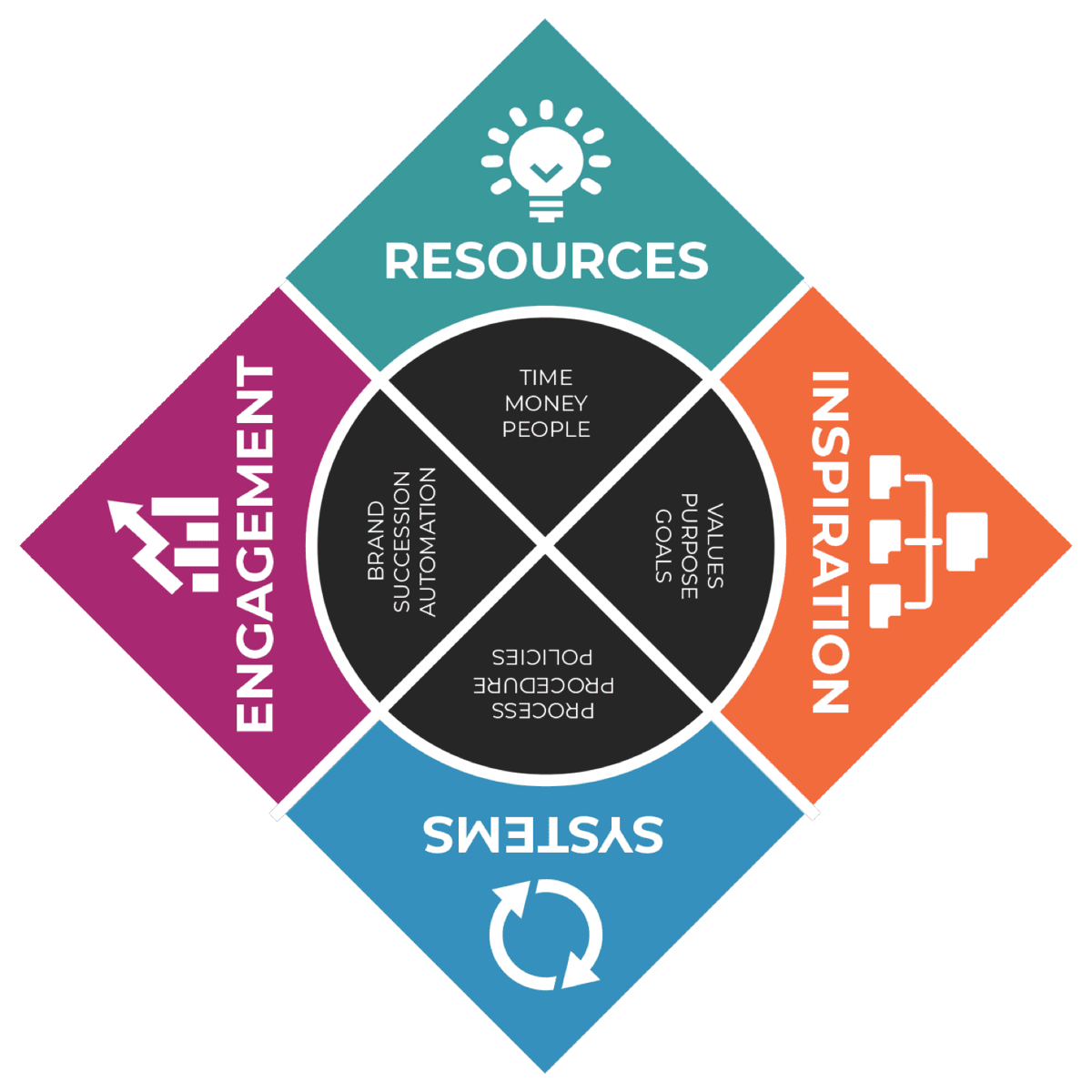
Resources › Talent Accountability · 1 of 4
Organizational Chart
By RISE Business Framework · Created by Gary Harper and Brandon McCurdy · Reviewed
An organizational chart is a diagram of a company's structure. It shows departments, roles and the chain of command, so it is easy to see who has authority over which areas. In RISE, you build it as an exercise on a blank canvas, starting with the key seats at the top.
How strong is your Resources quadrant? Take the free RISE Business Assessment
How RISE does it
- Creates structure and defines roles and responsibilities.
- Shows how departments relate and the chain of command within each one.
- Supports goal setting, project planning, decisions, resource allocation and progress tracking.
- Built on a blank canvas, seeded with a list of common executive titles.
- Treated as a dynamic map that evolves as the business grows.
Organizational Chart is one of four tools in Talent Accountability, part of the Resources quadrant of the RISE Business Framework.
The RISE tool
Common titles to seed your chart
The workbook lists these titles to help you name the seats at the top of your chart.
- 1Chief Executive Officer (CEO)
- 2Chief Financial Officer (CFO)
- 3Chief Technology Officer (CTO)
- 4Chief Operations Officer (COO)
- 5Chief Strategy Officer (CSO)
- 6Chief Human Resources Officer (CHRO)
- 7Chief Information Security Officer (CISO)
- 8Chief Digital Officer (CDO)
- 9Chief Data Officer (CDO)
- 10Chief Marketing Officer (CMO)
Not every business needs every title. Use the ones that match your seats.
How to build an organizational chart, step by step
An organizational chart shows the structure of the business: who does what, and who reports to whom. RISE treats it as the first tool in Talent Accountability and as a living map that changes as the business grows.
- 1
Start with the top seats
Gary Harper compares it to a puzzle: start with the key pieces at the top. Begin with the leadership seats, such as CEO, COO, CFO and CMO, even if one person fills several today.
- 2
Draw seats, not people
Add the functions the business needs, such as sales, marketing, operations and finance. Put names in afterward. Drawing around current people bakes today's workarounds into the structure.
- 3
Show the chain of command
Connect each seat to the one it reports to. Anyone should be able to see who has authority over which area.
- 4
Write each seat's responsibilities
Under each box, list three to five outcomes the seat owns. This is where roles and responsibilities stop being vague.
- 5
Fill the seats and mark the gaps
Add names. Where one person holds several seats, or a seat is empty, mark it. Those gaps are your hiring and delegation plan.
- 6
Connect it to process ownership
Give each core process a single owner on the Process Ownership Chart, then confirm buy-in with Process Commitment.
Common titles to start from
The RISE workbook lists common leadership titles to seed the chart: Chief Executive Officer, Chief Financial Officer, Chief Technology Officer, Chief Operations Officer, Chief Strategy Officer, Chief Human Resources Officer, Chief Information Security Officer, Chief Digital Officer, Chief Data Officer and Chief Marketing Officer. A small business will not need all of them, but the list helps you see which functions someone has to cover.
Organizational chart vs process ownership chart
The org chart shows structure and reporting lines. The Process Ownership Chart shows how the work is owned: who innovates, who leads, who manages, and who owns each process. RISE uses both, because a clean org chart can still hide processes that nobody owns.
Organizational chart examples
A small service business might show an owner at the top, with an operations manager, a sales lead and a bookkeeper reporting in. A growing company might add a COO between the owner and the department heads, with marketing, sales, operations and finance each led by one person. In both cases, one person can hold several seats today. Draw every seat anyway and put the same name in more than one box. Those boxes are your hiring plan.
Keep it current
RISE says an organizational chart is not cast in stone. It is a dynamic map that should change as the organization grows. Review it at each quarterly Strategic Meeting and whenever a seat opens. Use it with Succession Planning to spot roles with no backup.
“Creating an effective organizational chart is like solving a puzzle. Start with the key pieces at the top, and the picture of success will become clearer.”Gary Harper
AI RISE Coach
Work through Organizational Chart with the AI RISE Coach
“Walk me through Organizational Chart in the RISE Business Framework and help me apply it to my business.”
Quick self-check
“We assign ownership for each process in the business to a single team member so accountability is clear.”
Frequently asked questions
How do I make an organizational chart for a small business?
Start with the key seats at the top, such as CEO, then add each department and the chain of command beneath it. RISE has you build it on a blank canvas so it reflects your real structure.
How often should an org chart be updated?
Update it whenever roles, reporting lines or the team change. RISE treats the org chart as a dynamic map, not something cast in stone.
Articles on Organizational Chart
The other tools in Talent Accountability
- Process Ownership ChartA four-tier chart that names who innovates, leads, manages and owns each core process.
- Process CommitmentFour questions asked of each team member to confirm they are committed to their seat.
- Succession PlanningScore each critical role on five risk criteria and address any role totaling above 10 now.
Related in another quadrant: Process Execution